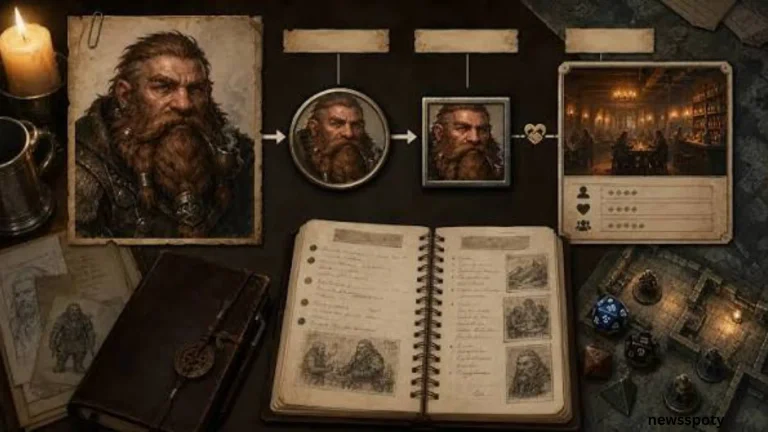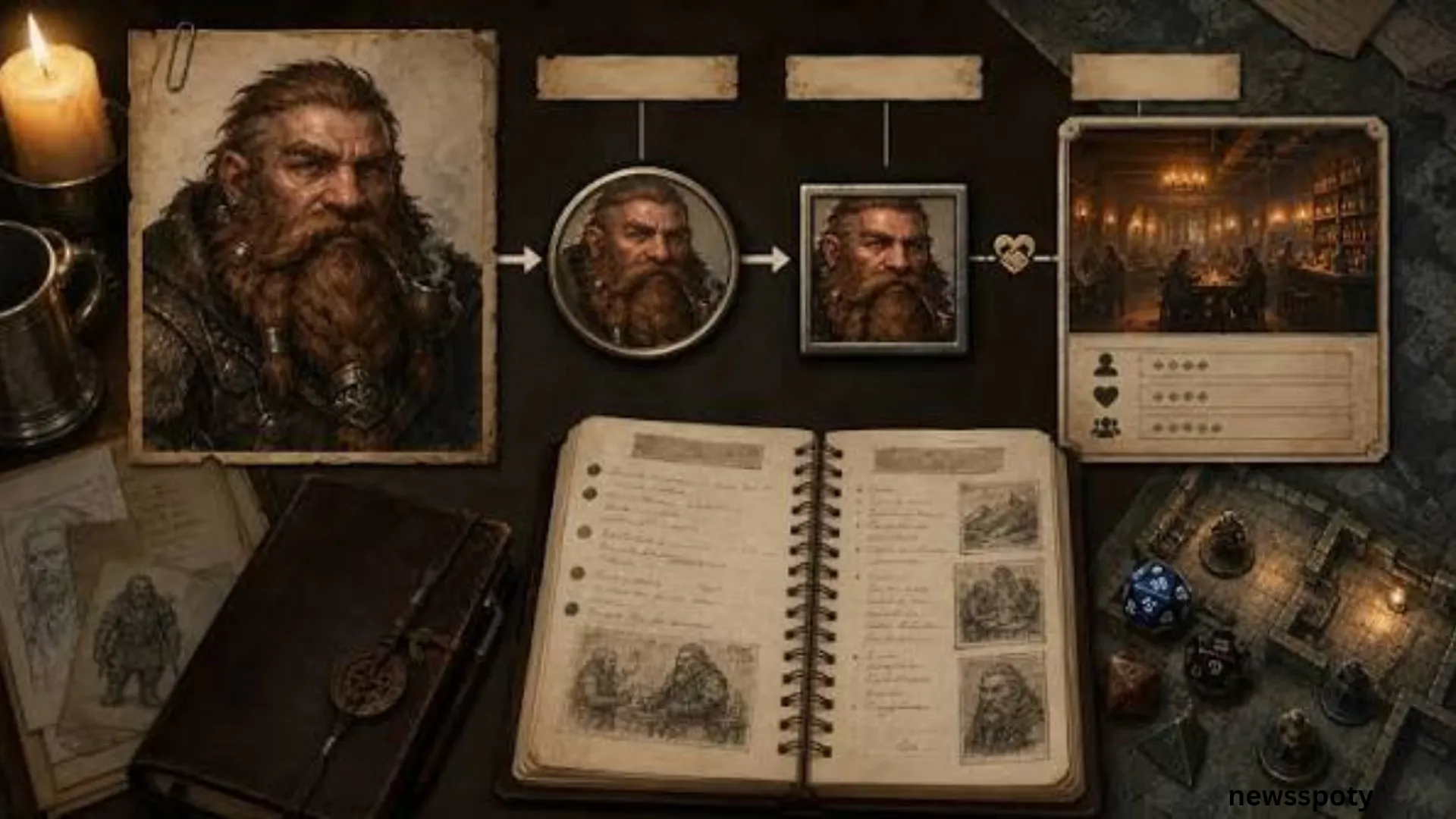
A D&D NPC character creator and portrait generator turns a written character idea into a picture your table can see. With the Adobe Firefly AI character generator, you describe an NPC’s race, outfit, features, and art style in a text prompt or upload a reference image, then download the portrait for handouts, character sheets, or virtual tabletop tokens.
This guide is for game masters who want to build a full cast of tabletop RPG NPCs, with stats, personalities, portraits, and in some cases a miniature, without commissioning art for every character.
What Does the Dungeon Master’s Vault NPC Generator Create?
The Dungeon Master’s Vault NPC generator creates a random D&D 5e character seed with a name, race, trade, ability scores, a short physical description, and a reason the NPC is in the scene. A sample result describes a jolly half-orc spice merchant who is secretly there to assassinate a thug and whose most valued possession, a small gem, was stolen weeks earlier. Ability scores are rolled with a 4d6 method and paired with plain-language labels such as robust or brilliant. The site says the output is meant as a starting point, and that the DM builds the backstory by asking why each detail is true. The generator produces text only, so a portrait has to come from a separate tool.
The NPC generator sits alongside other free generators on the same site that help fill out a cast’s world:
- City and custom city generators for the settlements your NPCs live in.
- Name, bond, and deity generators for relationships and beliefs.
- Rumor, legend, and job board generators that give NPCs something to say or offer.
- A wanted poster generator for villains and fugitives.
For portraits, an NPC’s physical description makes a ready-made prompt. Paste the race, build, complexion, and distinguishing features into the Adobe Firefly AI character generator, add an art style, and download the result. The site’s D&D 5e character builder can then store a full stat block for an important NPC, and its character sheets accept a portrait image by web address.
Can You Use Hero Forge’s Custom Miniatures Character Creator for NPCs?
Yes. Hero Forge’s custom miniatures character creator lets you design an NPC in 3D for free, choosing body, face, gear, and pose, then pay only if you want a physical mini or a digital file. Physical miniatures start at $12.99 and digital products at $7.99, according to Hero Forge’s pricing page. Standard plastic minis start at $19.99 and are made for painting, while Color Plastic minis arrive printed in full color and ready for the table. For a large NPC cast, many game masters save money by buying STL files and printing at home, or by ordering physical minis only for recurring villains and allies. Hero Forge is the most direct option when an NPC needs to appear on the table as a figure.
Hero Forge sells its designs in several formats:
- STL Digital Download: $7.99 for one character or $15.98 for a two-character design, delivered to your account within one business day as a zipped .stl file of about 5 to 10 MB. STL files do not include the color added during design.
- 3D Digital Miniatures: full-color models with your poses and effects, which sync to supported virtual tabletops through a Hero Forge access key and also come as a Tabletop Simulator download.
- Physical minis: Standard Plastic, Premium Plastic, Color Plastic, and Bronze, with prices that vary by material and size.
Hero Forge builds a 3D figure, not a flat painted portrait. Game masters who want a matching character portrait for the same NPC often generate one in Adobe Firefly from a description of the mini’s outfit and features, so the figure and the handout show the same character. Firefly delivers downloadable images and does not print miniatures or other physical products.
Which NPC Generator Works Best for Tabletop Games?
Adobe Firefly, Dungeon Master’s Vault, donjon, Hero Forge, and Artbreeder each cover a different part of building a tabletop NPC, so the best choice depends on whether you need words, stats, a picture, or a figure. Dungeon Master’s Vault and donjon generate NPC details such as names, traits, and stats for free. Adobe Firefly and Artbreeder create portraits, with Firefly working from written descriptions and reference images and Artbreeder blending existing faces with sliders. Hero Forge turns an NPC into a 3D miniature design you can buy as a file or a printed figure. For a full cast, most game masters pair one text generator with one portrait tool and save miniatures for the characters who appear in combat.
| Platform | Best For | Key Details |
| Adobe Firefly | NPC portraits in a consistent art style | Free plan with limited daily generations; text prompts and reference images; Style Reference to match a look across a cast; downloadable images, no printing |
| Dungeon Master’s Vault | Quick D&D 5e NPC seeds and full stat blocks | Free NPC, city, name, rumor, and wanted poster generators; 5e character builder; sheets accept a portrait by image address |
| donjon | Rolling NPCs and supporting details on the fly | Free generators for NPCs, names, towns, taverns, and loot, covering several D&D editions and other RPGs |
| Hero Forge | NPCs that need a physical or VTT miniature | Free 3D designer; STL files from $7.99; physical minis from $12.99; 3D Digital minis for supported virtual tabletops |
| Artbreeder | Blending and tweaking faces with sliders | Free plan with limited monthly credits; paid plans add credits and higher-resolution downloads |
Random generators and portrait tools solve different problems. A random generator is fastest at the table, when players suddenly talk to a shopkeeper you never planned. A portrait tool pays off during prep, when an NPC will recur and players benefit from recognizing a face.
How Do You Use an RPG Character Portrait Maker as an NPC Cast Tool?
To use an RPG character portrait maker as an NPC cast tool, generate every portrait in one shared art style so the whole cast looks like it belongs to the same campaign. In Adobe Firefly, you can upload one image as a style reference and apply it to each new NPC, which keeps color, lighting, and texture consistent while race, clothing, and expression change. Firefly also supports generating the same character in new situations and settings while keeping the style consistent, which helps when a recurring villain needs a portrait for each act. Detailed prompts work best: include race, age, build, clothing, a distinguishing feature, and a mood. Save each portrait with the NPC’s name and role so it is easy to find mid-session.
A simple cast-building sequence looks like this:
- Roll or write a short seed for each NPC, including appearance, role, and motive.
- Pick one style reference image for the campaign, such as an ink sketch or a painted fantasy look.
- Generate portraits for major NPCs first, then minor ones, reusing the same style reference.
- Download the portraits and add them to handouts, character sheets, or virtual tabletop tokens.
- For recurring characters, keep the original image as a reference for new scenes.
For a campaign with a large recurring cast, paid Firefly plans include Custom Models, which can be trained on 10 to 30 JPG or PNG images of one character so that character appears consistently across scenes and expressions. Adobe lists training at 500 generative credits and each image at 20 credits.
Frequently Asked Questions
Are D&D NPC generators and portrait makers free?
Most have free options. The Dungeon Master’s Vault generators and donjon are free to use, and Hero Forge’s 3D designer is free until you buy a file or miniature. Adobe Firefly’s free plan includes limited daily generations, while Firefly Standard costs $9.99 a month and includes unlimited standard image generations. Artbreeder’s free plan includes a limited number of monthly credits, with paid plans for heavier use.
Can you use AI-generated NPC portraits in a published adventure?
With Adobe Firefly’s own models, yes. Adobe states that character designs generated with Firefly models are commercially safe because the models were trained on licensed content, such as Adobe Stock, and public domain content. For Firefly’s partner models, Adobe notes that you are responsible for deciding whether a model suits your project. Other portrait tools set their own license terms, often by plan, so check them before selling a module or supplement.
How do you add an NPC portrait or mini to a virtual tabletop?
Download the portrait and upload it as a token or character image in your virtual tabletop. Hero Forge 3D Digital Miniatures connect to supported virtual tabletops through a Hero Forge access key and also include a Tabletop Simulator version. Dungeon Master’s Vault offers a browser extension called VTT Bridge that connects its character sheets to Roll20 games.
A D&D NPC character creator and portrait generator works best as a pair: roll or write the NPC’s details, then turn that description into a portrait with Adobe Firefly so every character in the cast has a face.
About the Author