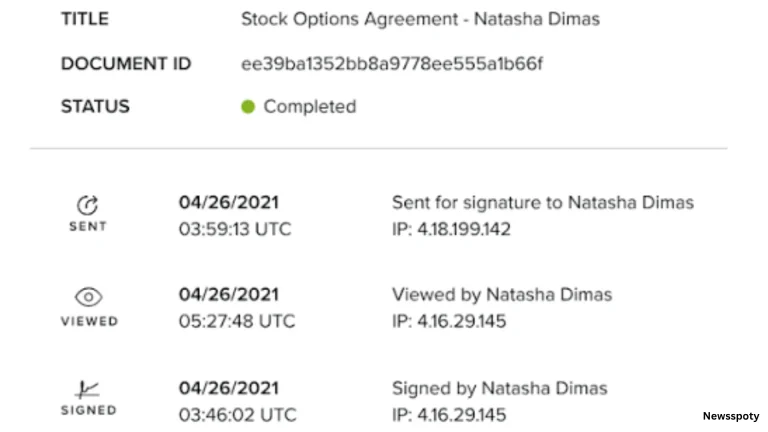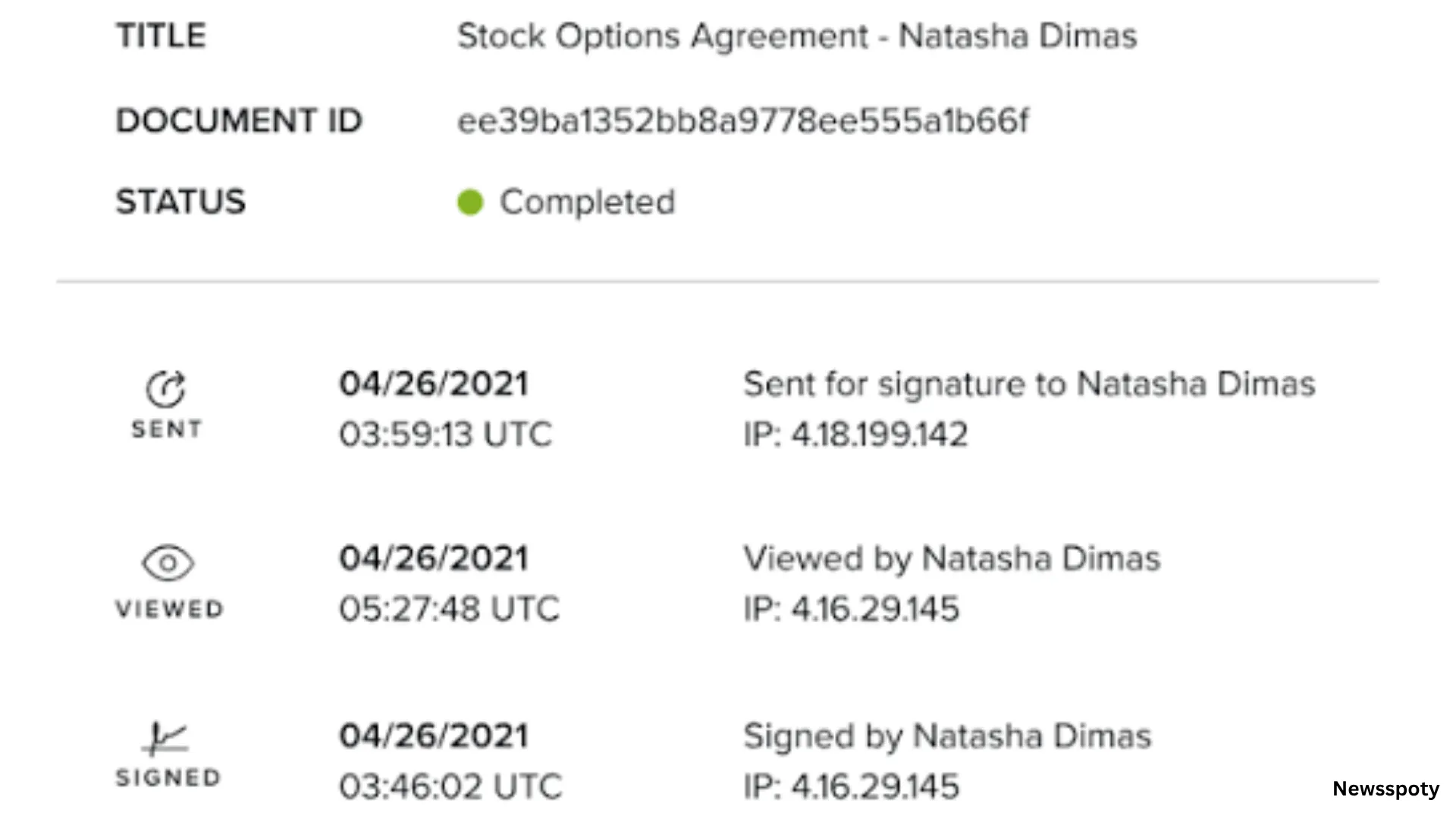
To secure electronic signature requests and keep an audit trail, send each agreement from a signed in account, name each signer, and keep the completed agreement and its audit record. Adobe Acrobat’s request a signature tool lets you send a PDF for signature, track progress, and build an audit trail with timestamps.
This article is for professionals who send electronic signature requests and need them to be secure and to leave a detailed audit trail.
Electronic Signatures, Audit Trail, Identity Proofing, and Digital Signatures: How They Fit Together
An electronic signature records intent to sign, an audit trail records what happened and when, identity proofing checks who the signer is, and a digital signature adds cryptographic protection to the file. Adobe’s page says its tool uses Acrobat Sign technology so signers cannot change an agreement after signing, and that you can keep an audit trail with timestamps. Under the EU’s eIDAS rules, an advanced electronic signature must be uniquely linked to the signatory and make any later change in the data detectable.
- Identity proofing: NIST’s SP 800-63A says proofing has three steps, identity resolution, validation, and verification, and defines assurance levels from IAL1 to IAL3.
- Levels: NIST says IAL1 supports the real world existence of a claimed identity, IAL2 requires more evidence and more rigorous processes, and IAL3 adds an on-site attended session with a trained proofing agent.
- Digital versus electronic: a research paper says the two terms are sometimes used interchangeably, but they are different concepts, and that advanced electronic signatures are based on digital signatures.
- Qualified signatures: a guide says a qualified electronic signature adds a qualified certificate and a qualified signature creation device to the advanced requirements.
- Tamper evidence: Adobe’s page says signed agreements from its tool are protected from tampering after signers add their signatures.
- Adobe options: Adobe’s page says Acrobat Pro’s free trial lets you use digital signatures and collect e-signatures with advanced authentication.
ESIGN, Electronic Records, and Signatures: What the Audit Trail Must Support
The ESIGN Act says a signature, contract, or record cannot be denied legal effect, validity, or enforceability solely because it is electronic. Its retention rule says an electronic record must accurately reflect the information in the contract and stay accessible to everyone entitled to it, in a form that can be accurately reproduced later by transmission, printing, or otherwise. An audit trail supports that rule by showing who did what and when. Keep the signed copy and the audit record together.
- Consumer consent: the statute requires affirmative consent and a clear statement, including hardware and software requirements and the right to withdraw consent, when a law requires information to be provided to a consumer in writing.
- Retention period: the statute says the record must remain accessible for the period required by law, so confirm the period for your document type.
- No named technology: a guide says the ESIGN Act does not require a specific signing technology, so the audit trail is how you show what happened.
- Final report: Adobe’s Acrobat Sign help says the audit report is titled Interim while an agreement is in process and Final once it is signed, canceled, declined, or expired.
- Independent storage: the same help says audit reports are stored independently of the agreement records you manage in the app.
- Time zones: the help says the audit report standardizes events to GMT, while the signature field shows the signer’s local time zone.
- EU rule: a guide says Article 25 of eIDAS says an electronic signature cannot be denied legal effect solely because it is electronic or not qualified.
Electronic Signature Security: Audit Trail Features, Digital Signature Platform Choices, and Best Practices for the Audit Trail
Choose a platform that records timestamped events, signer details, and a way to check the signed file, then use it consistently. Adobe’s Acrobat Sign help says its audit report lists agreement milestones, adds a transaction ID, and can include IP addresses if you enable them. DocuSign’s Certificate of Completion lists key event timestamps and signer details, according to a DocuSign employee, and Dropbox says its audit trail includes timestamped events and a hash of the PDF. Compare platforms before you rely on one.
| Platform | Best For | Key Details |
| Adobe Acrobat request signature | Everyday PDF agreements with tracking | Free account allows two requests every 30 days; recipients sign in a browser without an account; keeps an audit trail with timestamps; files are deleted unless you sign in to save |
| Adobe Acrobat Sign | Regulated workflows and integrations | Adobe says it adds advanced signer authentication and compliance certification; its help describes interim and final audit reports and optional IP address collection |
| DocuSign | Envelope history and certificate | A DocuSign employee says the Certificate of Completion lists envelope ID, page count, signer details, IP address, signature image, and key event timestamps |
| Dropbox Sign | Audit trail with a PDF hash | Dropbox’s help, quoted by a guide, says the trail covers events from submission to completion, including IP address and a hash of the PDF; Just Me signings have no trail |
Turn on IP collection: Adobe’s help says the audit report does not record IP addresses by default and that you can enable collection for all events.- Record views: Adobe’s help says you can include view events in the audit report.
- Name every signer: Adobe’s page says you add each signer’s email, mark fields, and route in order, with reminders and an expiration date.
- Keep both files: Adobe’s help says you can attach the audit report to the signed and filed email or to a downloaded document.
- Plan volume: Adobe’s page says a free account allows two request e-signature transactions every 30 days on a rolling basis.
- Know the limits: a DocuSign employee says the Certificate of Completion does not prove that a signer was physically present.
Frequently Asked Questions
Does an audit trail prove who signed?
Not by itself. A DocuSign employee says its Certificate of Completion captures timestamps, IP addresses, and authentication steps, but does not prove a signer was physically present, and an IP address only indicates a connection source. To strengthen attribution, name each signer, use stronger authentication, and consider identity proofing at the level the agreement needs.
Does the free Adobe tool give the full Acrobat Sign audit report?
I could not confirm that. Adobe’s request a signature page says the free tool keeps an audit trail with timestamps, while its Acrobat Sign help describes interim and final audit reports with optional IP address collection. Adobe also points to Acrobat Sign Solutions for regulated workflows that need advanced authentication or compliance certification, so check your plan before you rely on a report feature.
Can a simple typed e-signature be valid in the EU?
Yes, in principle. A guide says Article 25 of eIDAS says an electronic signature cannot be denied legal effect or admissibility solely because it is electronic or does not meet qualified requirements, but only a qualified electronic signature has automatic handwritten equivalence. For high risk documents, choose an advanced or qualified signature and keep the audit record.
What should I keep after an agreement is signed?
Keep the signed PDF, the final audit report, and the signers’ email addresses, stored where the people entitled to the record can reach them for the required period. The ESIGN Act’s retention rule asks that the record accurately reflect the contract and be reproducible later. Where a consumer consented to electronic records, also keep proof of that consent.
Electronic signature audit trail security comes from named signers, strong authentication, timestamped records, and keeping the signed file with its audit report.
About the Author