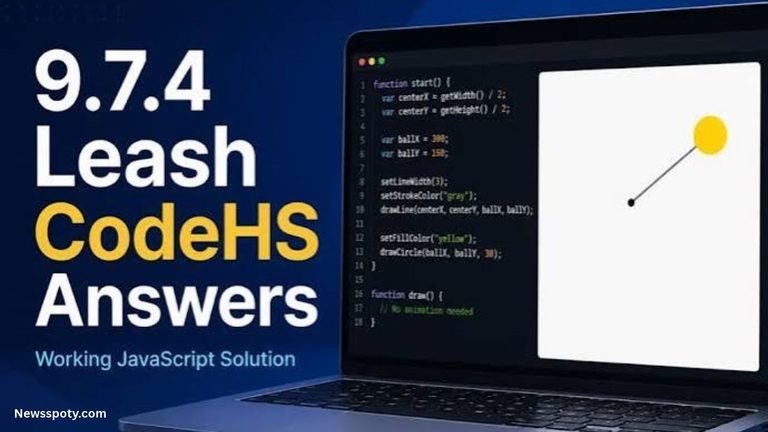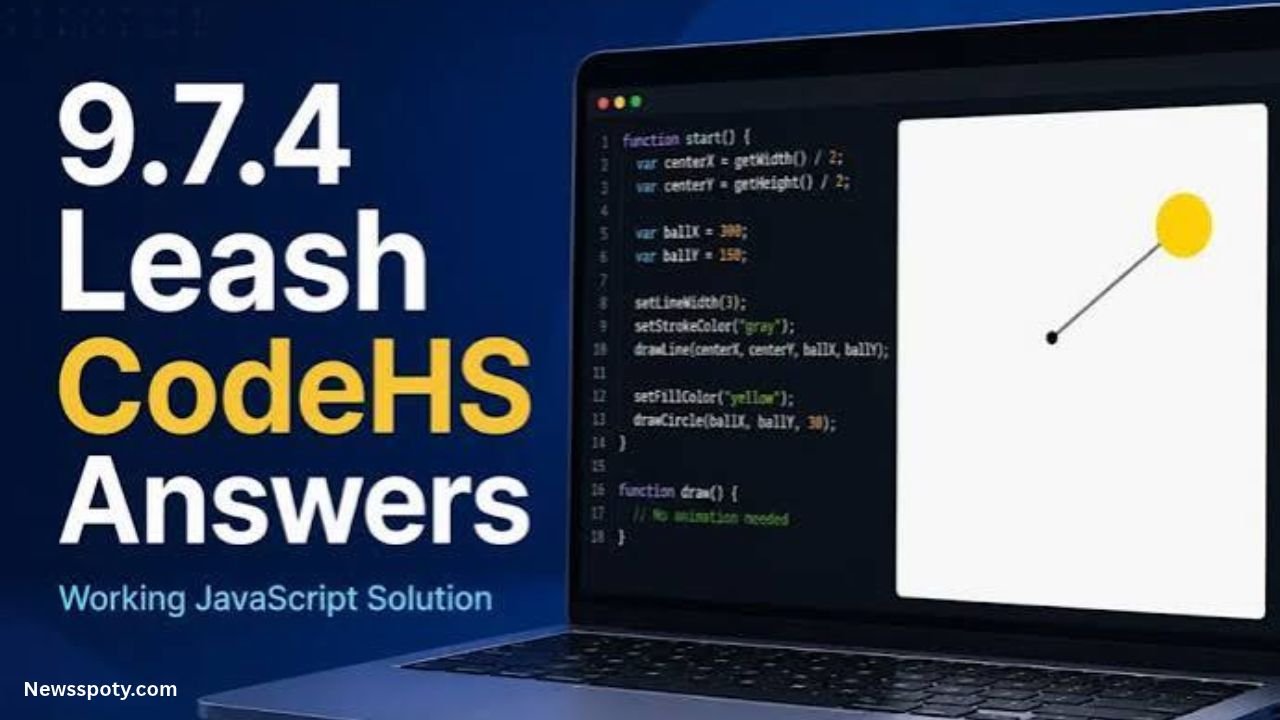
The 9.7.4 Leash exercise is associated with CodeHS programming lessons that teach students to work with JavaScript graphics and mouse interactions. The central idea is to connect a moving circle to a line so that the line follows the circle as the mouse moves.
This exercise helps beginners understand how graphics objects, coordinates, and event handlers work together. Instead of treating the task as code to copy, it is more useful to understand how the program creates the objects, responds to mouse movement, and updates their positions.
Course numbering and instructions can differ between CodeHS courses, so check the exact requirements in your assignment before using any example.
What Is the 9.7.4 Leash Assignment?
The Leash assignment is a graphics programming activity in which a circle and a line behave as connected objects. The mouse controls the circle’s position, while the line remains attached to it.
Think of the line as a leash and the circle as the object being moved. One end of the line stays at a fixed anchor point, while the other end follows the circle.
The exercise introduces several important programming concepts:
- Creating graphics objects with JavaScript.
- Storing objects in variables.
- Reading mouse coordinates.
- Registering an event handler.
- Updating an object’s position.
- Keeping multiple graphics objects visually connected.
These concepts are useful in animation, interactive drawing, and simple browser-based games.
How the Leash Program Should Work
Before writing code, break the task into smaller steps. Understanding the intended behavior makes it easier to identify mistakes.
1. Create the Circle
The circle represents the object controlled by the mouse. It needs an initial position so that it can appear on the canvas before the user moves the mouse.
In CodeHS graphics, a circle is commonly created using a Circle object and positioned with an appropriate graphics method.
2. Create the Line
The line connects a fixed point to the circle. Its starting point acts as the anchor, while its endpoint changes as the circle moves.
The line should be created before mouse movement begins. This allows the program to update the existing line rather than creating a new line every time the mouse moves.
3. Register a Mouse-Movement Handler
The program needs a function that responds when the mouse moves over the graphics area. In CodeHS JavaScript graphics, mouseMoveMethod() is commonly used to register that function.
The handler receives information about the mouse event, including its coordinates.
4. Update Both Objects
When the mouse moves, the program reads its horizontal and vertical coordinates.
Those coordinates are then used to move the circle and update the line’s endpoint. Because both objects use the same coordinates, the endpoint stays connected to the circle.
Understanding the JavaScript Graphics Components
Several functions and objects are particularly relevant to the Leash exercise.
| Component | Purpose |
| Circle | Creates a circular graphics object |
| Line | Creates a line between two coordinate points |
| mouseMoveMethod() | Registers a function to handle mouse movement |
| getX() | Retrieves the horizontal coordinate from an event object |
| getY() | Retrieves the vertical coordinate from an event object |
| setPosition() | Changes an object’s position where supported |
| setEndpoint() | Updates a line’s endpoint where supported |
| add() | Adds a graphics object to the canvas |
The exact constructor arguments and method signatures should match the API used by your CodeHS course.
Why Variables Matter
Variables let the program refer to the same graphics objects throughout execution.
For example, if a circle is stored in a variable named ball, the event handler can update that circle each time the mouse moves. If the program instead creates a new circle on every event, it may leave many circles on the canvas.
The same principle applies to the line. Keep a reference to the original line so that the handler can update it.
How Mouse Movement Updates the Ball and Line
The most important concept is that mouse movement supplies new coordinates. The program uses those coordinates to update the graphics.
Here is a simplified JavaScript example illustrating the underlying logic. It is an instructional example, not a guaranteed drop-in answer for every version of the CodeHS assignment.
// Illustrative logic: create the graphics objects first.
// Use the constructor signatures required by your course.
function handleMouseMove(e) {
var x = e.getX();
var y = e.getY();
// Move the existing circle to the mouse coordinates.
ball.setPosition(x, y);
// Update the line endpoint to the same coordinates.
leash.setEndpoint(x, y);
}
// Register the handler using the course’s required setup.
mouseMoveMethod(handleMouseMove);
This example assumes that ball and leash have already been created and added to the canvas, and that the course’s graphics API supports the methods shown.
The important idea is the relationship between the two updates:
- Read the current mouse position.
- Move the circle to that position.
- Set the line’s endpoint to the same position.
If the circle and endpoint use different coordinates, the line may appear detached. If the graphics objects have not been initialized, the handler may fail when it tries to update them.
Also, some CodeHS exercises expect a particular startup function, variable naming convention, or line-construction pattern. Follow the assignment’s instructions when they differ from this illustrative example.
Common CodeHS Leash Errors and How to Debug Them
If your Leash program does not behave as expected, check the following issues before rewriting the entire program.
The Line Disappears
A disappearing line can indicate that the line was never added to the canvas, its coordinates are incorrect, or another part of the program is modifying it unexpectedly.
Check that the line is created, added to the canvas, and stored in a variable before the mouse handler tries to update it.
The Circle Moves but the Line Does Not
This often happens when the event handler updates the circle but does not update the line endpoint.
Check that both updates occur in the same handler and use the same mouse coordinates.
The Program Reports an Undefined Variable
An error may occur if the handler references a variable that has not been declared or initialized.
Check spelling, capitalization, and the order in which objects are created. JavaScript variable names are case-sensitive, so ball and Ball are different identifiers.
The Mouse Handler Does Not Run
Make sure the handler is registered using the correct CodeHS method and that the function name matches the one passed to it.
Also check whether the required setup function is called by the program. A correctly written handler will not respond if it is never registered.
The Line Starts at the Wrong Point
Check the coordinates used to create the line. Its anchor should remain fixed if that is what your assignment requires.
Do not update the starting coordinates accidentally when the intention is to change only the endpoint.
Multiple Objects Appear on the Screen
If new circles or lines are created every time the mouse moves, they may accumulate on the canvas.
Create the required objects during initialization, then update their existing positions in the mouse handler.
Why Does Leash Have Different Numbers in Some CodeHS Courses?
Students may find references to both 9.7.4 Leash and 4.7.4 Leash. This does not necessarily mean the exercises are identical or that one reference is incorrect.
CodeHS organizes material into different courses and units. A similar exercise may appear at a different point depending on the course structure or curriculum version.
Before using a solution from a discussion or study site, confirm:
- The name of your CodeHS course.
- The exact section and exercise number.
- The instructions displayed in your assignment.
- The required graphics methods and starter code.
- Whether your teacher has added specific requirements.
The official CodeHS course outline is a better reference for course placement than a third-party article with a similar title. A forum post can still be useful for understanding the general programming concept, but its code may not match your assignment exactly.
Frequently Asked Questions
1. What is 9.7.4 Leash in CodeHS?
It is a programming exercise associated with JavaScript graphics and mouse interaction. The main concept is to connect a moving circle to a line and update the graphics as the mouse moves. Check your course instructions for the exact requirements.
2. How do you make a circle follow the mouse in CodeHS?
Register a mouse-movement handler, read the event’s horizontal and vertical coordinates, and use the appropriate graphics method to position the existing circle. The exact method signature depends on the CodeHS graphics API used in your course.
3. How do you keep the line attached to the circle?
Update the line’s endpoint using the same mouse coordinates used to position the circle. Keep the line’s starting point fixed if the assignment requires a fixed anchor.
4. Why is my CodeHS Leash program not working?
Common causes include an unregistered event handler, undefined variables, graphics objects that were not added to the canvas, incorrect coordinates, or code that creates new objects repeatedly. Check each issue individually and review the error message.
5. Is 9.7.4 Leash the same as 4.7.4 Leash?
The similar names suggest related exercises, but the numbering alone does not prove that their instructions or required code are identical. Check the course outline and assignment prompt before adapting an example from another section.
Conclusion
The 9.7.4 Leash exercise teaches essential JavaScript graphics skills: creating objects, responding to mouse events, reading coordinates, and keeping a line connected to a moving circle. Understanding how these pieces work together makes debugging easier and builds a foundation for interactive games and animations. Always compare examples with your current CodeHS instructions, test your code, and learn why each statement is needed.
Also Read:
Uploadwords.Com Usa – Features, Uses, and What You Should Know!
Blessingtide.Com – Website, Content, and What Readers Should Know!
About the Author