If you’ve opened the picture settings on a Panasonic TV and noticed Intelligent Frame Creation, you may be wondering what it actually does.
The short answer is simple: Intelligent Frame Creation (IFC) is Panasonic’s motion-processing system that generates additional frames between existing frames to make movement appear smoother. Panasonic describes the feature as a way to compensate for frame rate and reduce juddering movement.
That can be useful for sports, broadcasts, and other fast-moving content. But higher motion processing can also make films look unnaturally smooth, introduce visual artifacts, or change the cinematic appearance many viewers prefer.
So the best setting depends heavily on what you’re watching and what kind of motion you like.
What Is Intelligent Frame Creation?
Intelligent Frame Creation is a form of motion interpolation.
A television receives a sequence of original frames. Instead of displaying only those frames, its image processor analyzes movement between consecutive images and estimates what an intermediate frame should look like.
For example:
Original frame → generated frame → original frame
The generated image is intended to make movement appear more continuous.
Panasonic has offered IFC in different generations of its televisions, with settings that can include Off, Min, Mid, Max, and Custom. Newer Panasonic documentation also identifies controls such as Blur Reduction and Film Smooth.
How Does Intelligent Frame Creation Work?
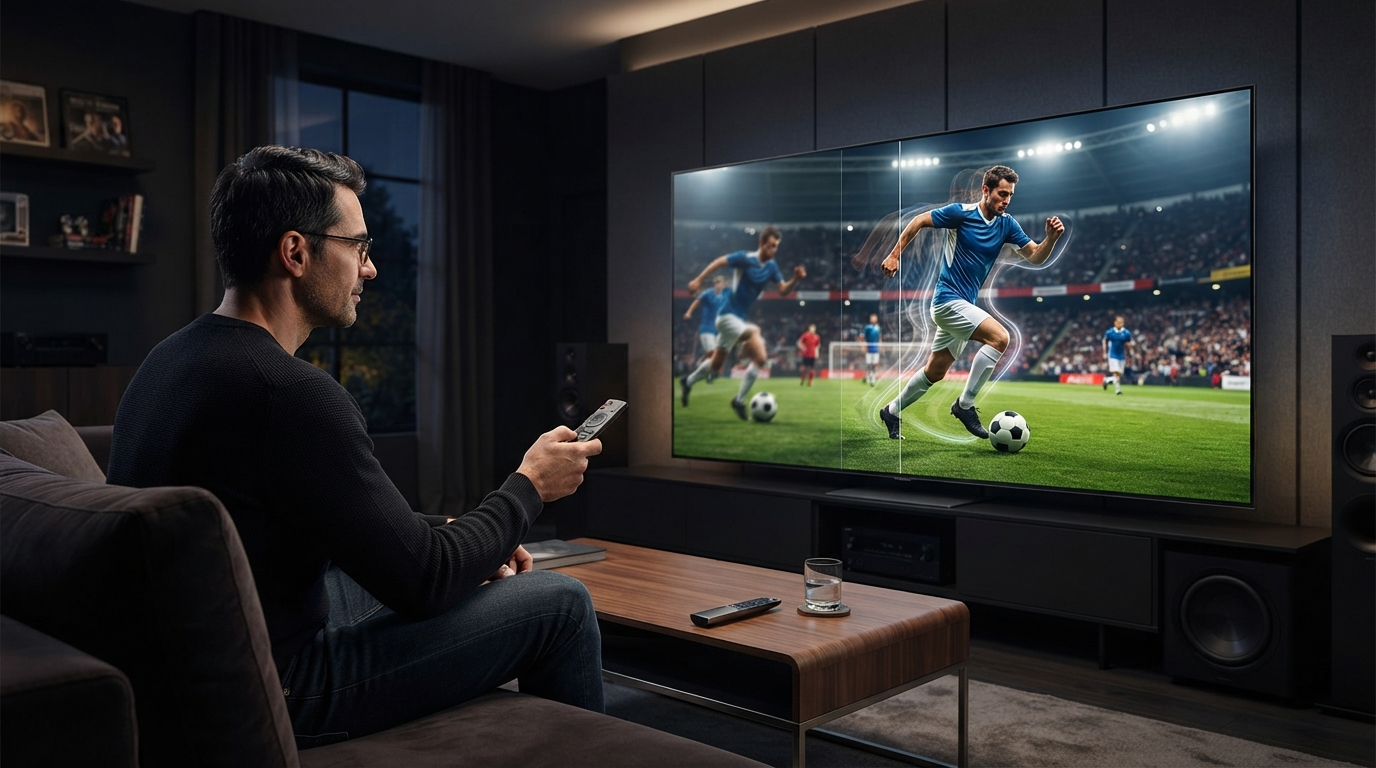
Imagine a football moving from left to right.
The first frame shows the ball near the left side of the screen. The next frame shows it farther to the right.
The TV’s processor analyzes those images and estimates where the ball—and potentially other moving objects—should appear between them.
It then creates an additional image based on that estimate.
This can make movement appear smoother without requiring the original video source to contain those extra frames.
The important point is that the generated frame is an estimate. The TV is creating information that wasn’t actually present in the original source.
That is why interpolation can sometimes produce artifacts.
Intelligent Frame Creation vs. Refresh Rate
These two terms are often confused.
Your TV’s refresh rate describes how frequently the display can update the screen.
IFC is a processing technique that creates additional frames to alter how motion is presented.
A 120Hz TV does not automatically mean that the original video is 120fps, and enabling IFC does not magically turn every source into native 120fps video.
The source frame rate, display refresh rate, processing system, and picture mode all interact.
What Do the IFC Settings Mean?
Panasonic models vary, so the exact menu and behavior can differ. Current Panasonic documentation lists Custom, Max, Mid, Min, and Off on supported models.
IFC Off
With IFC disabled, the TV doesn’t use this particular interpolation process.
This is often the best starting point if you want to preserve the original character of film content.
It’s also a sensible choice when you dislike artificial-looking motion or interpolation artifacts.
IFC Min
Min applies a relatively restrained amount of motion processing.
It can be useful when you notice judder or motion blur but don’t want the highly processed appearance associated with stronger settings.
However, the exact behavior depends on the TV model and source.
IFC Mid
Mid increases the amount of motion processing.
It can be attractive for sports and television broadcasts where smooth movement is more important than preserving a traditional film appearance.
For movies, whether Mid looks good is largely a matter of preference.
IFC Max
Max applies the most aggressive processing available through the standard presets.
This can make movement look extremely smooth, but it also increases the possibility of visible interpolation artifacts and the soap-opera effect.
Older Panasonic testing has found stronger IFC settings capable of introducing noticeable soap-opera effects and motion glitches with 24fps films.
IFC Custom
Custom is the most useful option for people who want finer control.
Supported Panasonic models can expose separate controls such as Blur Reduction and Film Smooth.
This allows you to tune the motion processing rather than simply choosing a preset intensity.
What Is Blur Reduction?
Blur Reduction is intended to improve the clarity of moving camera content.
If fast movement looks smeared or lacks definition, increasing this control may make the motion appear clearer.
The exact result depends on the television and source, so there is no universal value that works perfectly on every Panasonic model.
What Is Film Smooth?
Film Smooth is associated with the smoothness of film content.
This is particularly relevant to movies and other material originating at cinematic frame rates.
Because film content has a distinctive motion character, increasing interpolation can make it look substantially different from the original presentation.
Panasonic’s manuals specifically distinguish Film Smooth from Blur Reduction, rather than treating them as identical controls.
What Is the Soap Opera Effect?
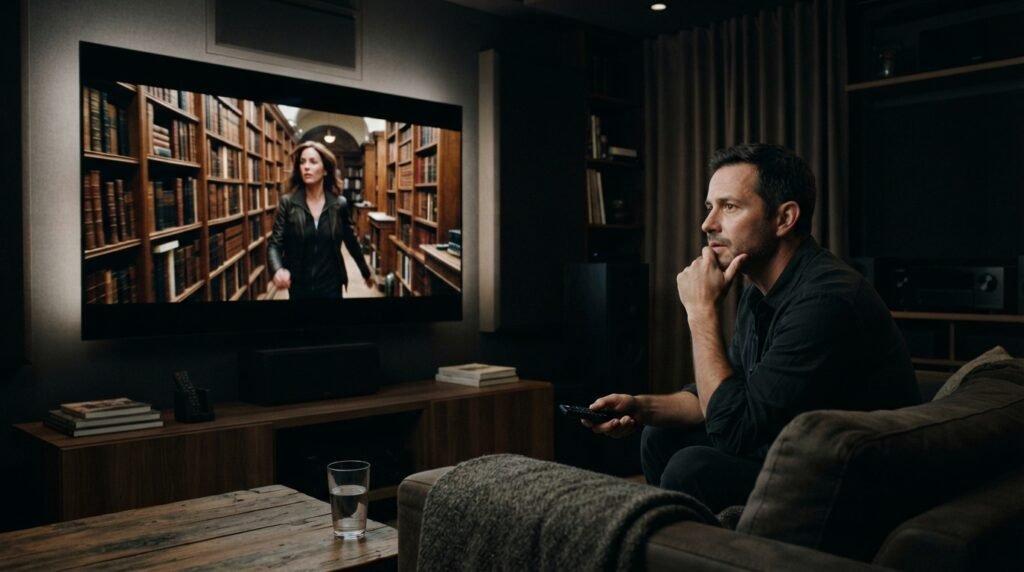
The soap opera effect is the unusually smooth, video-like appearance that can occur when motion interpolation is applied to film content.
A movie traditionally has a particular motion cadence and visual character. Strong interpolation can make actors, camera movements, and backgrounds appear more fluid than viewers expect.
The result can feel less cinematic and more like live television.
This isn’t necessarily a technical failure. Some viewers actually prefer the smoother presentation.
Others strongly dislike it.
That’s why motion interpolation is ultimately a preference-based picture setting.
Should You Use Intelligent Frame Creation for Movies?
For most movie enthusiasts, a good starting point is:
IFC: Off or Low/Min
The reason is simple: many viewers want movies to retain their original cinematic motion rather than having the TV create substantial amounts of additional motion.
If you find 24fps movement too juddery, try a low setting or experiment with Custom mode.
Professional TV testing has found that stronger IFC settings can introduce soap-opera effects and interpolation artifacts with 24fps film material.
There isn’t a single correct answer, though.
If you prefer extremely smooth movement, you may genuinely enjoy IFC.
Is Intelligent Frame Creation Good for Sports?
Sports are one of the situations where motion interpolation can be particularly useful.
Football, soccer, tennis, racing, and other fast-moving broadcasts involve:
- Rapid camera pans
- Moving players
- Balls crossing the screen
- Fast transitions
- Scrolling information
- Large areas of movement
Smooth motion can make these scenes easier to follow.
A reasonable starting point is Min or Mid, then adjust according to what you see.
If stronger settings produce halos, distortions, or strange movement around players, reduce the setting.
Should IFC Be On or Off for Gaming?
For competitive gaming, Off is generally the safer choice.
The reason isn’t that IFC makes games inherently look bad. The concern is processing latency and compatibility with low-latency modes.
Panasonic documentation for current models shows that IFC can be unavailable when certain low-latency settings are active, including Fast input-lag settings, and can also be unavailable with some VRR or high-refresh-rate configurations.
For a competitive game, prioritize:
- Game Mode
- Low input latency
- VRR when appropriate
- Correct console/PC refresh-rate settings
If you’re playing a slower single-player game and care more about visual smoothness than response time, you can experiment—but competitive players should generally avoid unnecessary motion processing.
Recommended IFC Settings by Content
| Content | Good starting point |
|---|---|
| Movies | Off or Min |
| TV dramas | Off or Min |
| Sports | Min or Mid |
| News broadcasts | Min |
| Live TV | Min or Mid |
| Animation | Personal preference |
| Casual gaming | Usually Off/Game Mode |
| Competitive gaming | Off/Game Mode |
These are starting points, not universal calibration values. Panasonic models differ, and your preferred motion presentation may be completely different from someone else’s.
Why Does IFC Sometimes Create Weird Artifacts?
Interpolation works by predicting motion.
Prediction isn’t perfect.
Problems can appear when the processor cannot confidently determine what happened between two frames.
You may notice:
- Halos around moving objects
- Warping
- Double edges
- Distorted backgrounds
- Objects appearing to bend
- Unnatural camera movement
- Flickering details
Fast cuts and complicated scenes can be particularly difficult.
For example, imagine a person walking in front of a rapidly moving crowd. The processor has to determine which pixels belong to the person, which belong to the background, and how everything moved between frames.
An incorrect prediction can become visible in the generated frame.
Does IFC Improve Picture Quality?
Not necessarily.
It can improve motion smoothness, but that doesn’t mean it improves every aspect of image quality.
For some viewers:
Smoother motion = better picture
For others:
Original motion + fewer processing artifacts = better picture
This distinction is important. IFC isn’t designed primarily to make your TV’s colors, contrast, resolution, or HDR performance better.
Its main purpose is motion handling.
Why Does IFC Look Different on Different TVs?
Panasonic has used IFC across multiple generations of televisions, but the implementation isn’t identical on every model.
Processing power, panel characteristics, firmware, source format, refresh rate, picture mode, and other settings can all affect the final result.
That’s why a setting that looks excellent on one Panasonic TV shouldn’t automatically be copied to another model.
Even professional calibration sources caution that TV settings can vary between individual models and viewing conditions.
Can IFC Be Used With Game Mode?
It depends on the specific television.
On some Panasonic models, Game Mode or a fast input-lag setting disables IFC. Panasonic documentation explicitly lists conditions under which IFC becomes unavailable.
So if you cannot select IFC while gaming, that may be intentional rather than a fault.
Your TV may be prioritizing low latency over motion interpolation.
What Is the Best Intelligent Frame Creation Setting?
There is no universal best setting.
For a simple starting point:
- Movies: Off or Min
- Sports: Min or Mid
- General TV: Min
- Competitive gaming: Off with Game Mode
- Heavy motion blur: Experiment with Custom
- Strong soap-opera effect: Reduce Film Smooth/IFC
- Visible interpolation artifacts: Lower the setting or turn it off
The goal should be to find the lowest level of processing that solves the motion problem you actually notice.
Frequently Asked Questions
1. What does Intelligent Frame Creation do?
It analyzes movement between video frames and generates additional frames to make motion appear smoother and reduce judder. Panasonic describes IFC as a system for compensating frame rate and smoothing movement.
2. Is Intelligent Frame Creation the same as motion interpolation?
Broadly, yes. IFC is Panasonic’s branding for a motion-processing/interpolation system.
3. Should Intelligent Frame Creation be on or off?
It depends on the content. Off or Min is usually a sensible starting point for movies, while sports can benefit from more motion processing.
4. Does IFC cause the soap-opera effect?
It can. Strong motion interpolation can make 24fps movies look unusually smooth and video-like. Technical testing of Panasonic TVs has documented this effect at stronger IFC settings.
5. Is IFC good for sports?
It can be. Sports contain a lot of rapid movement, so smoother motion can make action easier to follow.
6. Should gamers turn IFC off?
Competitive gamers generally should prioritize Game Mode and low latency. Panasonic documentation shows that IFC can be disabled automatically under certain low-latency, VRR, and high-refresh-rate conditions.
7. What is the difference between Blur Reduction and Film Smooth?
Blur Reduction targets the smoothness of camera/motion content, while Film Smooth targets film-content smoothness. Panasonic provides them as separate controls on supported models.
8. Why can’t I change Intelligent Frame Creation?
Your TV may disable IFC because of the active picture mode, low-latency setting, VRR, high-refresh-rate input, or another incompatible feature. Exact restrictions vary by model.
Final Verdict
Intelligent Frame Creation is Panasonic’s motion-interpolation technology designed to make movement appear smoother by generating additional frames between the original frames. It can be useful, but more processing isn’t automatically better. For movies, start with Off or Min if you want a natural cinematic appearance. For sports, Min or Mid can be worth trying. For competitive gaming, prioritize Game Mode and low latency rather than motion interpolation.
And if your Panasonic TV offers Custom, use Blur Reduction and Film Smooth to fine-tune the result instead of assuming Max is the best option. Panasonic’s own documentation confirms that these controls serve different motion-processing purposes. The best IFC setting is ultimately the one that solves the motion problem you actually see without introducing a new one.
Related Post
- Letflix – What It Is, How It Works, Safety, Legality, and Alternatives!
- Newtopy – What It Is, Key Features, Benefits, and What to Know!
- Geekzilla.Io – What It Is, What It Offers, and Why Geeks Use It!
About the Author