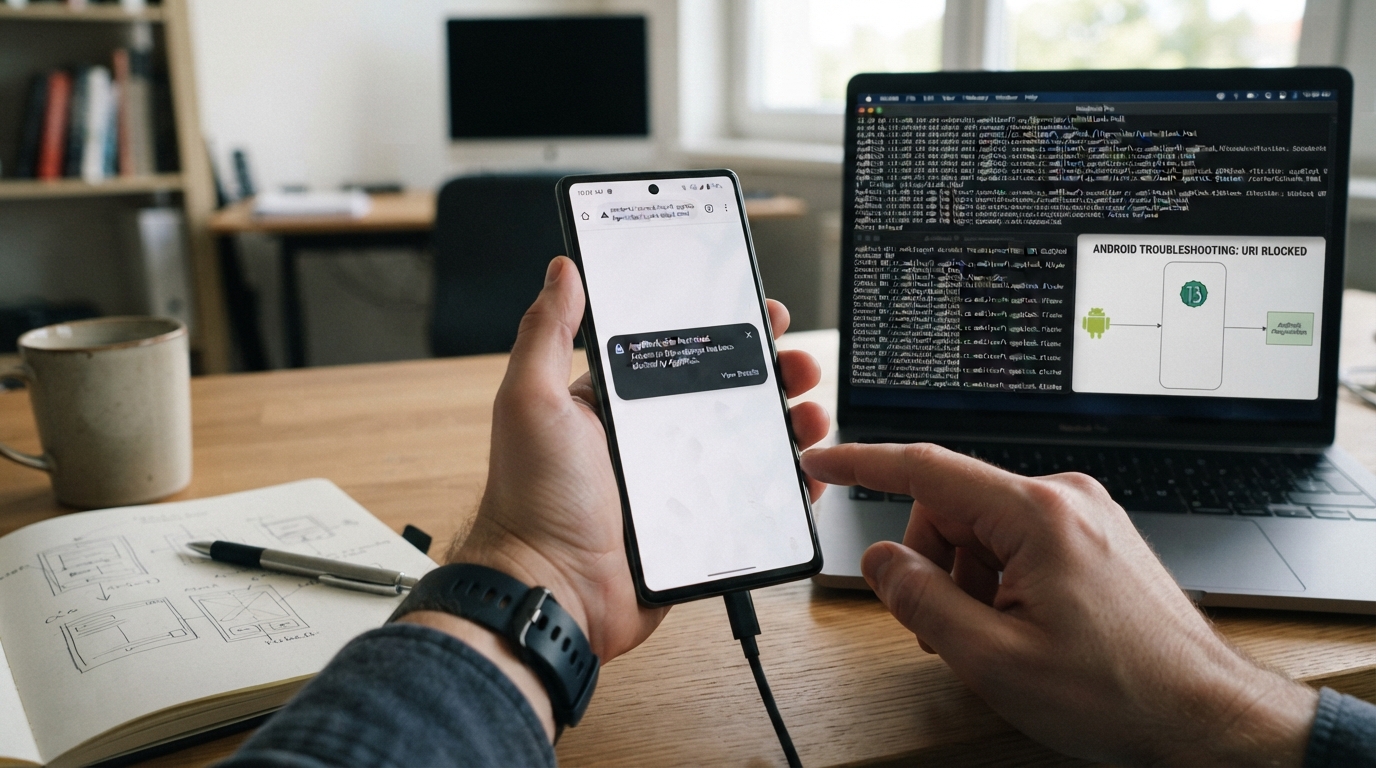
If you have seen content://cz.mobilesoft.appblock.fileprovider/cache/blank.html on your Android phone, browser history, or an app log, the unusual-looking address can be alarming.
The good news is that this is not a normal website URL. It is an Android Content URI, and the fileprovider portion is associated with Android’s mechanism for giving controlled access to files. Current reports also associate this particular URI with AppBlock and its handling of blocked web content.
However, the URI alone should not be treated as proof that every occurrence is harmless. If AppBlock is installed on your device, its presence is much easier to explain; if it is not installed, you should investigate which application owns the provider.
What Is content://cz.mobilesoft.appblock.fileprovider/cache/blank.html?
In simple terms, this string identifies a local resource exposed through Android’s content-provider system, rather than a page hosted on the internet.
The URI can be divided into several parts:
| Part | What it means |
|---|---|
content:// | Android’s Content URI scheme |
cz.mobilesoft.appblock | The application-related authority associated with AppBlock |
fileprovider | A FileProvider component used to expose files through controlled content:// URIs |
/cache/ | A path referring to cache-related data |
blank.html | The referenced HTML resource |
Android’s official FileProvider documentation explains that a FileProvider can generate a content:// URI for a file and restrict which file paths can be exposed. It can also grant temporary read or write access through URI permissions.
So, despite looking like a strange web address, this isn’t equivalent to visiting something such as https://example.com.
Why Does This URI Appear?
The most common explanation is AppBlock’s handling of restricted web content.
AppBlock is designed to restrict access to selected websites and applications. Current reports about this exact URI describe it appearing when AppBlock intercepts a blocked web request and uses a local blank HTML resource instead of allowing the requested page to load.
A simplified version of the process looks like this:
You request a website → AppBlock detects a restriction → the requested page isn’t displayed → a local placeholder resource is loaded → the content:// URI may become visible.
This also explains why some users encounter the address when a supposedly normal website suddenly displays a blank screen.
The exact internal implementation can vary by app version and Android environment, so it is better to regard this as the likely AppBlock-related behavior rather than assume that every appearance of the URI proves exactly what happened internally.
Is This URI a Virus or Malware?
The URI format itself is not evidence of a virus or malware.
Android legitimately uses content:// URIs and FileProvider components for controlled access to application files. The Android documentation specifically describes FileProvider as a mechanism for generating content URIs for files and controlling access to those files.
That said, there is an important distinction:
A legitimate URI format does not automatically prove that every application using a FileProvider is trustworthy.
Android itself warns that a misconfigured FileProvider can expose files or directories unintentionally. Developers are advised to restrict the paths being shared and grant only the permissions that are actually necessary.
For an ordinary user, the practical approach is therefore:
- If you installed AppBlock and the URI appears while AppBlock is blocking websites, the behavior has a straightforward explanation.
- If you never installed AppBlock, investigate the installed applications on your device.
- If the URI appears alongside other suspicious behavior, don’t dismiss those symptoms simply because the URI begins with
content://.
Understanding the fileprovider Part
The word fileprovider is particularly important.
Android applications normally have private storage areas. Instead of simply handing another application a raw filesystem path, an app can use a FileProvider to create a content:// URI that provides controlled access to a particular file.
Android’s API documentation states that FileProvider.getUriForFile() returns a content URI for a file and that only paths configured by the provider can be exposed. Temporary read/write permissions can also be granted to other components when necessary.
This is why you shouldn’t interpret:
fileprovider
as meaning:
“Someone is accessing my entire phone.”
It doesn’t mean that.
The provider is intended to act as a controlled gateway to particular resources.
What Does /cache/blank.html Mean?
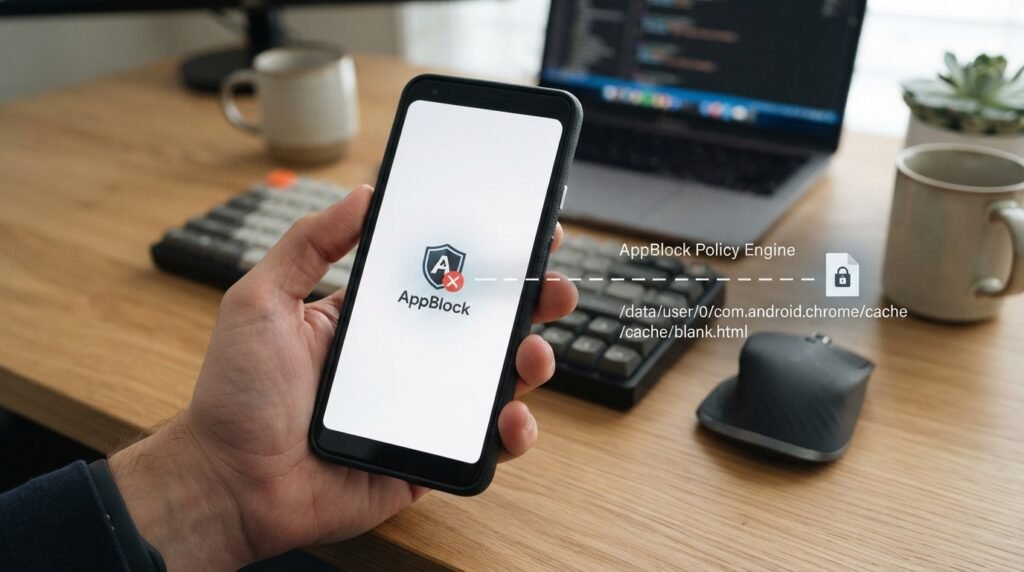
The final portion is:
/cache/blank.html
The name strongly suggests a cached HTML resource called blank.html.
In the context of the AppBlock-related reports, this resource is described as a blank or placeholder document used when blocked content is intercepted.
The important point is that cache data is generally temporary application data.
You shouldn’t think of blank.html as a mysterious website hidden on the internet. It is being referenced through Android’s content system.
Android’s FileProvider documentation also supports the broader concept of exposing files from configured paths, including cache-related paths.
Why Does a Blank Page Appear Instead of the Website?
If AppBlock is enforcing a website restriction, the application needs some way to prevent the requested content from being displayed.
A blank local HTML resource is one possible way to provide an immediate replacement.
Instead of waiting for a remote server, the device can load a local resource. Reports about this URI specifically associate it with AppBlock’s blocked-content behavior.
This is why you may experience something like:
- You tap a website.
- The browser begins navigation.
- AppBlock detects that the destination is restricted.
- The original content isn’t displayed.
- A blank or replacement resource appears.
- The browser or another component may expose the
content://URI.
The result for the user can simply look like a broken or empty webpage.
Why Is It Showing in Browser History?
This can happen because the browser or WebView may record the navigation or resource it was asked to display.
Current reports about this URI specifically describe it appearing in browser history after AppBlock intercepts restricted websites.
So if you tried to open a blocked website and later found:
content://cz.mobilesoft.appblock.fileprovider/cache/blank.html
in your history, the two events may be related.
It doesn’t necessarily mean that you intentionally browsed to that address.
How to Stop Seeing content://...blank.html
There isn’t really a “repair” needed for the URI itself.
Instead, you need to determine why AppBlock or another application is producing or exposing it.
1. Check whether AppBlock is installed
Open your Android app list and search for AppBlock.
If it is installed, check whether you have website or application restrictions enabled.
2. Review AppBlock’s blocking rules
If a particular website is being blocked unexpectedly, open AppBlock and review its active blocking profile or website restrictions.
If the website should be accessible, remove it from the relevant restriction where appropriate.
3. Temporarily pause blocking
If AppBlock provides a pause option on your version, temporarily pause its restrictions and try opening the same website again.
If the blank page disappears, that is a strong indication that the blocking mechanism was responsible.
4. Update AppBlock and Android components
Make sure AppBlock and important Android components involved in displaying web content are up to date.
Updates can resolve compatibility problems and unexpected behavior.
5. Clear AppBlock’s cache
If the problem appears to be caused by stale application data, Android’s app settings may allow you to clear AppBlock’s cache.
Remember that clearing cache isn’t necessarily a permanent solution. If AppBlock continues to block a website, it may create or reference temporary resources again.
6. Don’t manually hunt for the file
You generally don’t need to locate blank.html manually inside Android’s protected application storage.
The content:// URI is specifically designed to provide controlled access to a resource rather than expose an ordinary filesystem path.
What If You Don’t Have AppBlock Installed?
This is an important situation.
If the URI contains:
cz.mobilesoft.appblock.fileprovider
but AppBlock isn’t installed, don’t immediately assume that your phone has malware.
Instead:
- Check your installed applications.
- Look for AppBlock or related MobileSoft software.
- Check whether the URI appears in an old browser history entry, backup, or log.
- Update your Android system and relevant applications.
- If you still see unexpected behavior, investigate the application responsible for generating the URI.
The provider authority is useful because Android uses an authority to identify a particular FileProvider. Android’s API documentation explains that the authority is defined by the provider in an application’s manifest.
Should You Delete blank.html?
Usually, no.
Manually deleting an internal cache resource isn’t the right way to solve the underlying issue.
If AppBlock is creating the resource because a website is blocked, deleting a temporary file won’t change the blocking rule. The application can simply recreate the resource when needed.
If you want the URI to stop appearing, address the cause instead:
- Change the AppBlock restriction.
- Pause the relevant blocking profile.
- Clear the application’s cache if troubleshooting requires it.
- Update or reinstall the application if it is malfunctioning.
- Uninstall AppBlock if you no longer want to use it.
Can content:// URLs Be Dangerous?
The content:// scheme itself is not inherently dangerous.
It’s a legitimate Android mechanism.
The security question is really about what application owns the provider, what resources it exposes, and what permissions are granted.
Android specifically warns developers that an improperly configured FileProvider can expose unintended files and recommends narrow path ranges and minimum necessary permissions.
For users, that means you shouldn’t judge an application solely by seeing content://.
Instead, look at the context:
Known app + expected behavior + normal blocking activity = usually explainable.
Unknown app + unexpected provider + other suspicious behavior = worth investigating.
Frequently Asked Questions
1. What is content://cz.mobilesoft.appblock.fileprovider/cache/blank.html?
It is an Android Content URI that references a resource exposed through a FileProvider-style mechanism. Reports about this exact URI associate it with AppBlock and its handling of blocked web content.
2. Is content://cz.mobilesoft.appblock.fileprovider/cache/blank.html a website?
No. It isn’t a conventional http:// or https:// website address. It uses Android’s content:// URI system.
3. Is it malware?
The URI itself isn’t evidence of malware. Android legitimately uses Content URIs and FileProvider. If you don’t have AppBlock installed or notice other suspicious activity, however, investigate the source rather than assuming the URI is harmless.
4. Why does AppBlock use blank.html?
Current reports indicate that AppBlock can use a blank local resource when handling blocked content.
5. Why does the page look blank?
A blank HTML resource can serve as a replacement for content that isn’t supposed to be displayed. This is consistent with reports of the URI appearing when AppBlock intercepts restricted websites.
6. Can I delete the URI?
You don’t normally need to delete the URI itself. If it appears because of AppBlock, change the relevant blocking settings or troubleshoot the application instead.
7. Why is it in my browser history?
The browser or WebView may record the resource involved in an intercepted navigation. Reports of this URI specifically describe it appearing in browser history after blocked navigation.
8. What is FileProvider?
FileProvider is an Android component that generates content:// URIs for files and allows controlled access to configured file paths.
Final Takeaway
content://cz.mobilesoft.appblock.fileprovider/cache/blank.html is not a conventional website URL. It is an Android Content URI, and the fileprovider structure is consistent with Android’s controlled file-sharing architecture. When AppBlock is installed and actively restricting websites, current evidence associates this particular URI with the app’s handling of blocked web content and a local blank HTML resource.
If you’ve encountered it, there is usually no reason to panic. Check AppBlock first, review its blocking rules, and only investigate further if the URI appears without an understandable AppBlock context or alongside other unusual device behavior. For the technical side, Android’s official documentation is the best reference: FileProvider generates content:// URIs for configured files and can grant controlled temporary access to those resources.
Related Post
- Antarvwsna – A Complete Guide to the Digital Storytelling Platform!
- Moviesjoy Plus – What It Is, How It Works, and What You Should Know!
- Candizi – What It Is, Benefits, Uses & Wellness Trends!
About the Author